Steam on iPad (Moonlight)
Play cozy Steam games on Nova’s iPad without taking over Dad’s monitor or speakers. Games run on a hidden virtual screen.
Do NOT pick “Desktop”. Desktop mirrors Dad’s real screen — that’s why picture & sound showed up on the PC last time.
Always open a game that starts with Cozy - (example: Cozy - Freddi Fish 2).
Always open a game that starts with Cozy - (example: Cozy - Freddi Fish 2).
How it stays out of Dad’s way: Sunshine captures a virtual display (not the Samsung). Dad can keep working. Sound should go to the iPad — turn iPad volume up; leave the PC unmuted only if you need it.
1. One-time setup (home Wi‑Fi)
- On the iPad, install Moonlight Game Streaming from the App Store.
- Open Moonlight → add computer → address 10.0.0.7
- Moonlight shows a PIN. On any home computer/phone browser open https://10.0.0.7:47990 (accept the certificate warning).
- Sign in (ask Dad for Sunshine login) → PIN → type the code → pair.
2. Every time Nova wants to play
- Same home Wi‑Fi as the PC.
- Open Moonlight → tap the PC.
- Tap a Cozy - … game (list below). Wait a few seconds for Steam to launch on the virtual screen.
- Play on the iPad. When done, disconnect in Moonlight (or exit the game).
3. If it still hits Dad’s screen
- You launched Desktop or Steam Big Picture — quit and use a Cozy - app instead.
- Ask Dad to confirm Sunshine is still pointed at the virtual display.
- Close the game on the PC if a window popped onto the main monitor by mistake.
Tap these names inside Moonlight
Exact app titles — look for the Cozy - prefix.
Cozy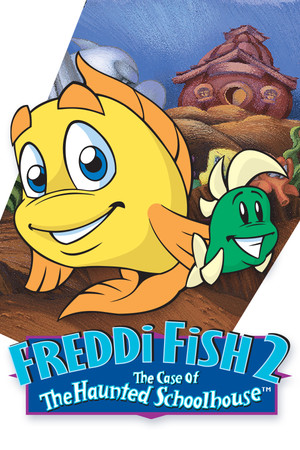





Freddi Fish 2
Cozy - Freddi Fish 2
CozyGame Dev Tycoon
Cozy - Game Dev Tycoon
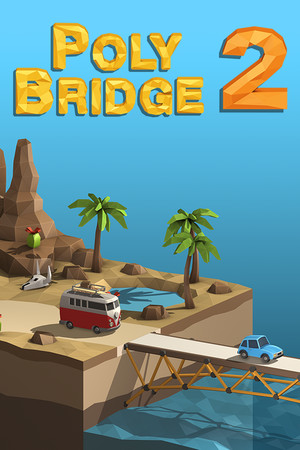
CozyPoly Bridge 2
Cozy - Poly Bridge 2
CozyRCT2
Cozy - RollerCoaster Tycoon 2
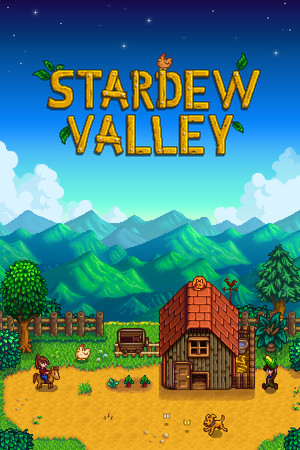
CozyStardew Valley
Cozy - Stardew Valley
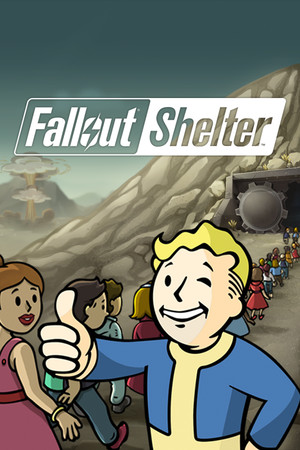
CozyFallout Shelter
Cozy - Fallout Shelter
CozyBesiege
Cozy - Besiege
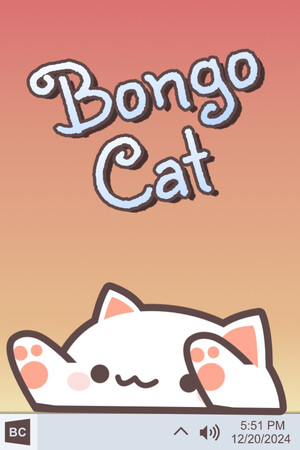
CozyBongo Cat
Cozy - Bongo Cat
CozyDream Car Builder
Cozy - Dream Car Builder
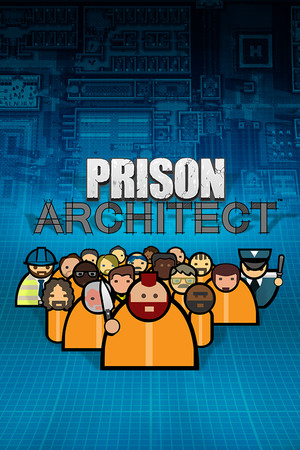
CozyPrison Architect
Cozy - Prison Architect
CozyPlague Inc.
Cozy - Plague Inc.